🎯
Cattura contenutiCapture content
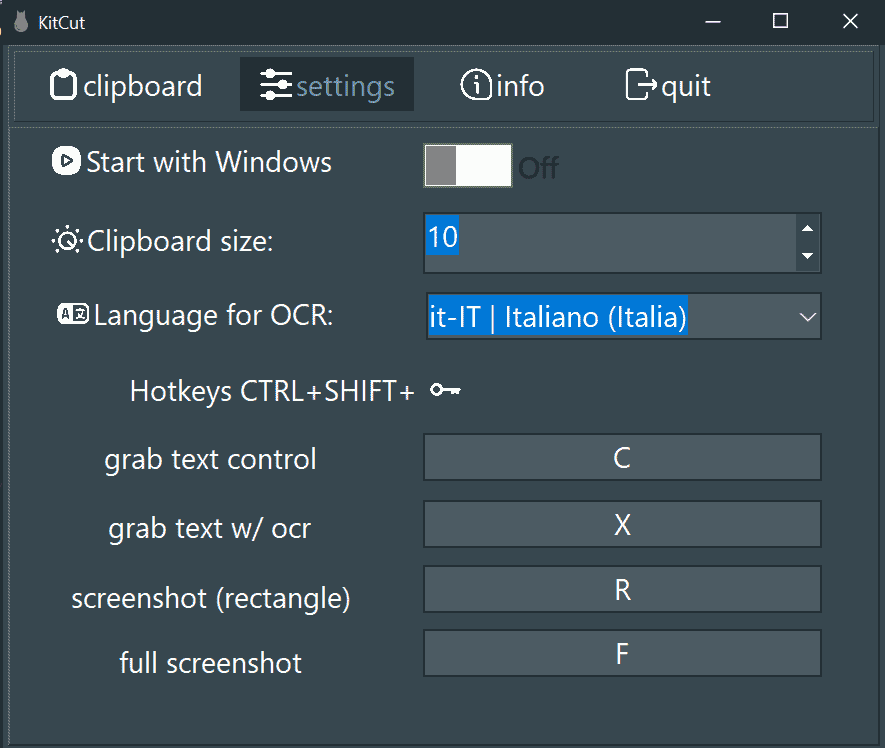
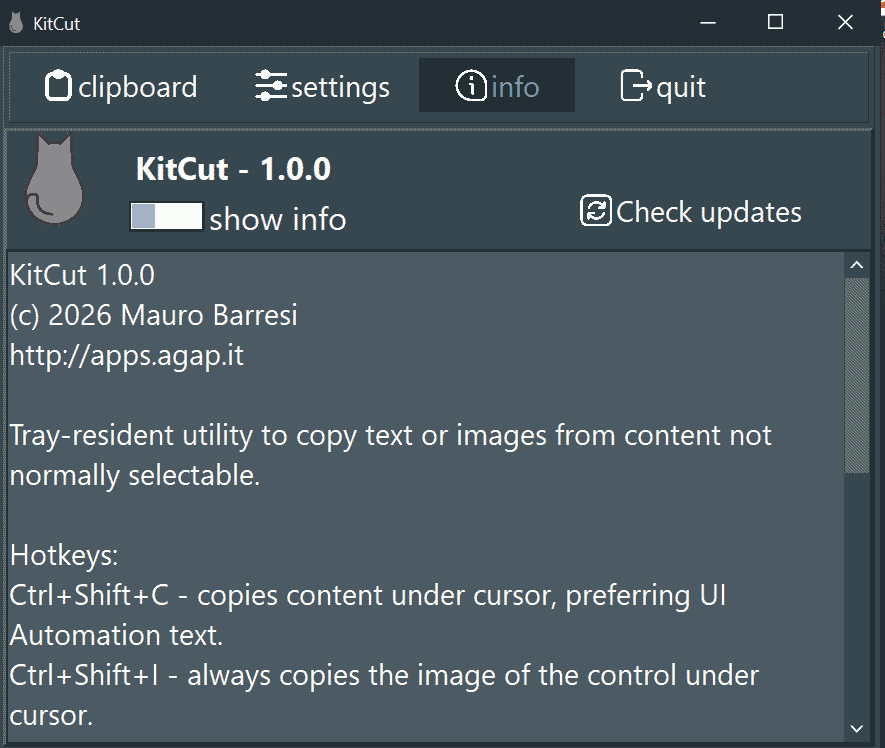
Con un hotkey globale copia il testo sotto il cursore tramite UI Automation, oppure il controllo come immagine, e salva gli appunti in un file.With a global hotkey it copies the text under the cursor via UI Automation, or the control as an image, and saves the clipboard to a file.
🔤
OCR istantaneoInstant OCR
Copia il testo negli appunti con l'OCR istantaneo, richiamabile da hotkey.Copy text to the clipboard with instant OCR, triggered by a hotkey.
📸
Screenshot e immaginiScreenshots and images
Cattura schermate e immagini con un solo hotkey, pronte da incollare.Capture screenshots and images with a single hotkey, ready to paste.
🗂️
Storico intelligenteSmart history
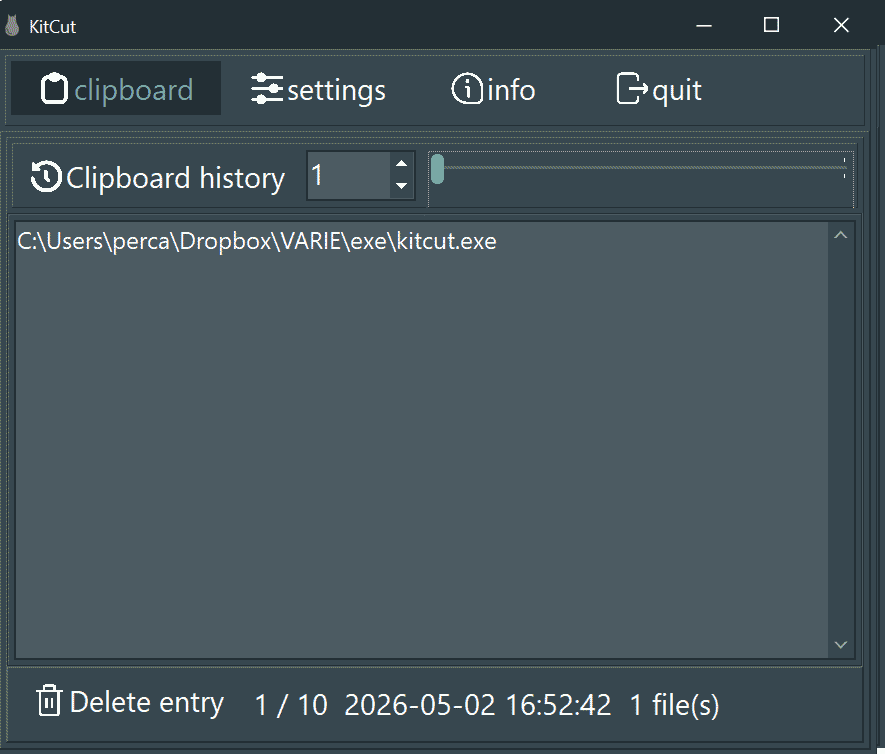
Sfoglia gli appunti precedenti e ripristina file e cartelle (anche tagliati), testo con la sua formattazione HTML/RTF o immagini con trasparenza; lo storico è persistente.Browse previous clips and restore files and folders (cut ones too), text with its HTML/RTF formatting or images with transparency; the history is persistent.
↩️
Undo/redo e anteprimaUndo/redo and preview
Anteprima della voce selezionata e undo/redo degli appunti con Ctrl+Shift+Z / Y da qualsiasi programma; Ctrl+Shift++ unisce più testi in uno.Preview of the selected entry and clipboard undo/redo with Ctrl+Shift+Z / Y from any program; Ctrl+Shift++ merges several text entries into one.
🔄
Tray e aggiornamentiTray and updates
Sempre disponibile nella tray, con avvio automatico, tema chiaro o scuro, tutorial, guida utente (F1) e controllo degli aggiornamenti.Always available in the tray, with autostart, light or dark theme, tutorial, user guide (F1) and update checks.