Visual drag-and-drop page imposition, vector text block editing, legal Bates stamping, offline multilingual OCR, PAdES cryptographic signature diagnostics, GDPR-compliant permanent redaction, and CMYK prepress. Processed strictly locally on your PC without ever uploading documents online.
PDF-VC is a native desktop application for Windows 10 and Windows 11 designed to provide professionals, legal counsel, accountants, engineers, and corporate offices with an all-in-one, standalone workspace for advanced PDF workflows. Engineered from the ground up for 100% offline local processing, PDF-VC guarantees that no documents, confidential contracts, or personal records are ever transmitted across the internet, ensuring unmatched data protection and compliance.
The software integrates effortless visual page layout management (multi drag-and-drop reordering, page rotation, splitting, merging, blank sheet detection, and duplex interleaving) with powerful forensic, legal, and prepress capabilities: vector text editing with font matching, an advanced Stamper engine for legal Bates numbering, offline multilingual OCR, cryptographic PAdES digital signature diagnostics, GDPR-compliant permanent redaction, and CMYK plate separation with TAC ink coverage checks.
Certified and distributed via the official Microsoft Store, PDF-VC guarantees clean, secure installations, zero telemetry or background resource overhead, and seamless automatic updates, making it a reliable standard for users requiring responsive speed and complete document control.
Engineered for professionals, law firms, offices, and technical users who require complete document control without relying on external cloud services.
No files are ever uploaded to the internet. Contracts, invoices, medical records, and legal briefs remain strictly protected and processed on your local PC.
Zero background resource hogs. Handle hundreds of pages effortlessly with ultra-fluid rendering and optimized system RAM consumption.
From visual page layout to vector block editing, built-in OCR, AcroForms authoring, Bates stamping, document comparison, and cryptographic signature checks.
Irreversible GDPR-compliant redaction, CMYK plate separation, TAC ink limit inspection, PDF/A archiving, and booklet imposition printing.
A clear, modern interface backed by powerful tools accessible at a glance. Click on any screenshot to view in full resolution.
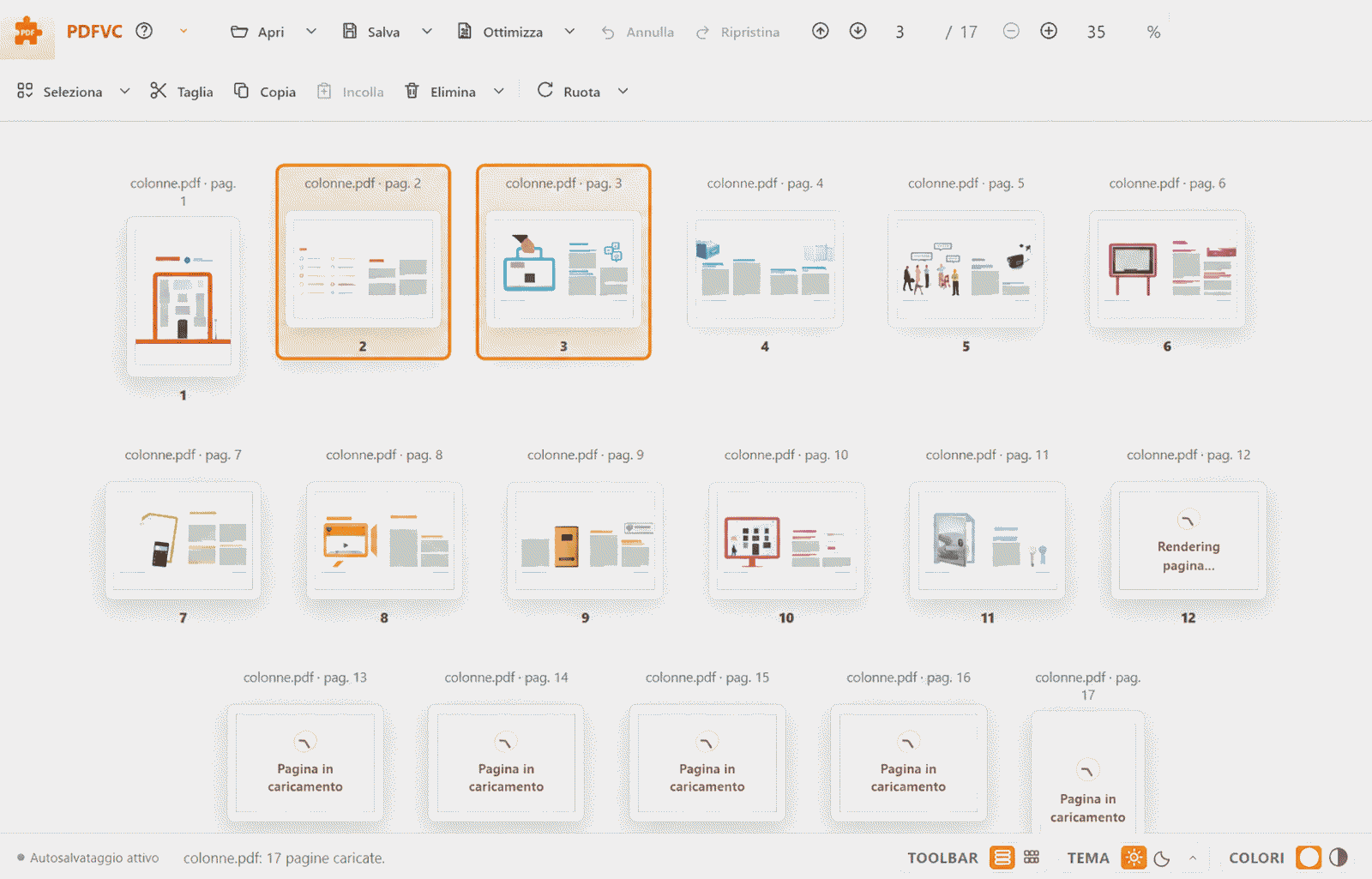
Organize documents with effortless ease: open multiple files in a single session and preview the final page sequence with crisp high-fidelity thumbnails.
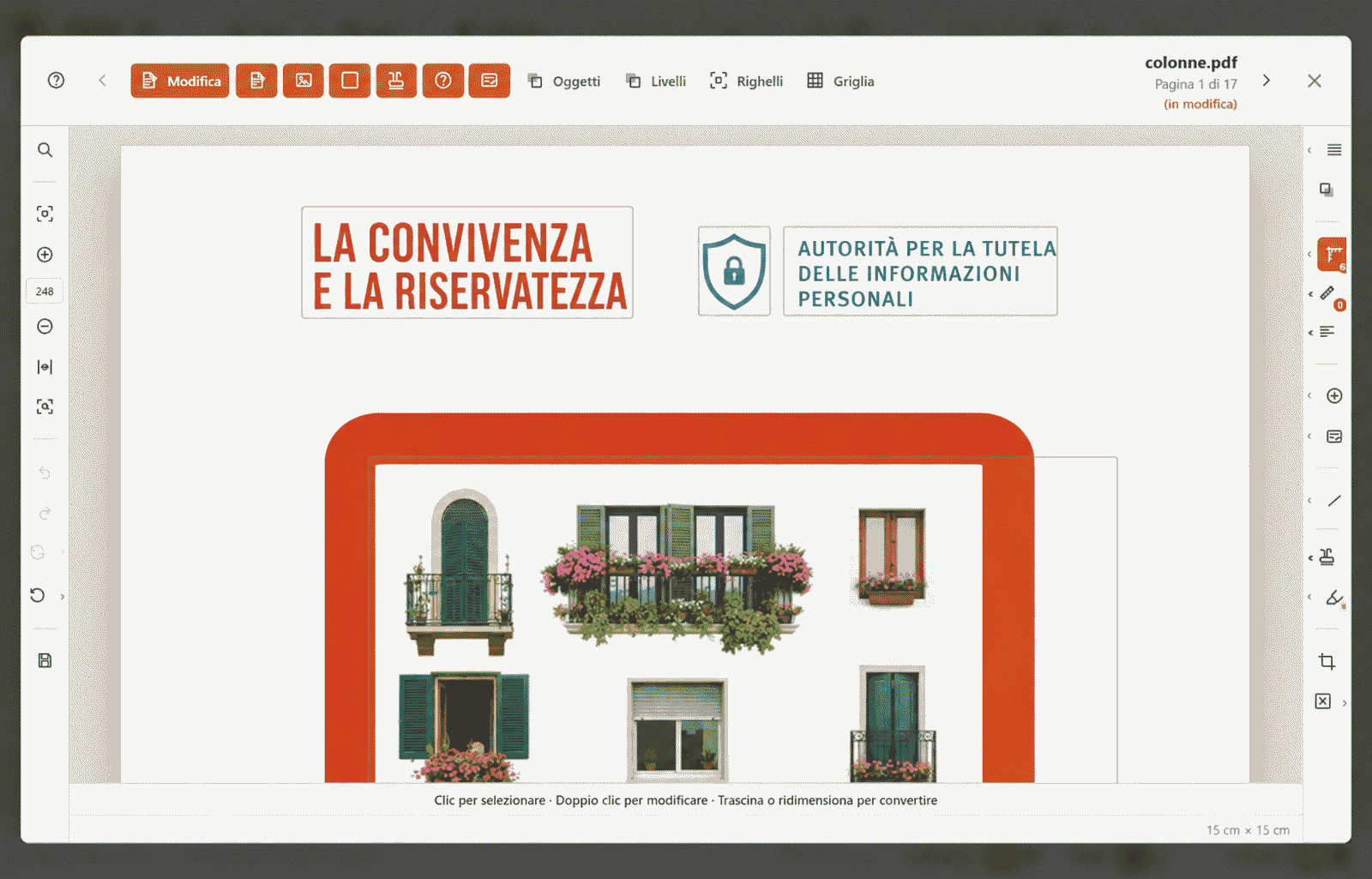
Double-click any thumbnail or press Space to inspect the page. Edit text with automatic font matching, adjust blocks, and insert annotations with millimeter precision.
The built-in Stamper engine lets you apply and dynamically update legal Bates numbering sequences, angled watermarks, background seals, and headers across document batches.
CASE-00042-US).{page}, {pages}, {date}, {file} and custom metadata.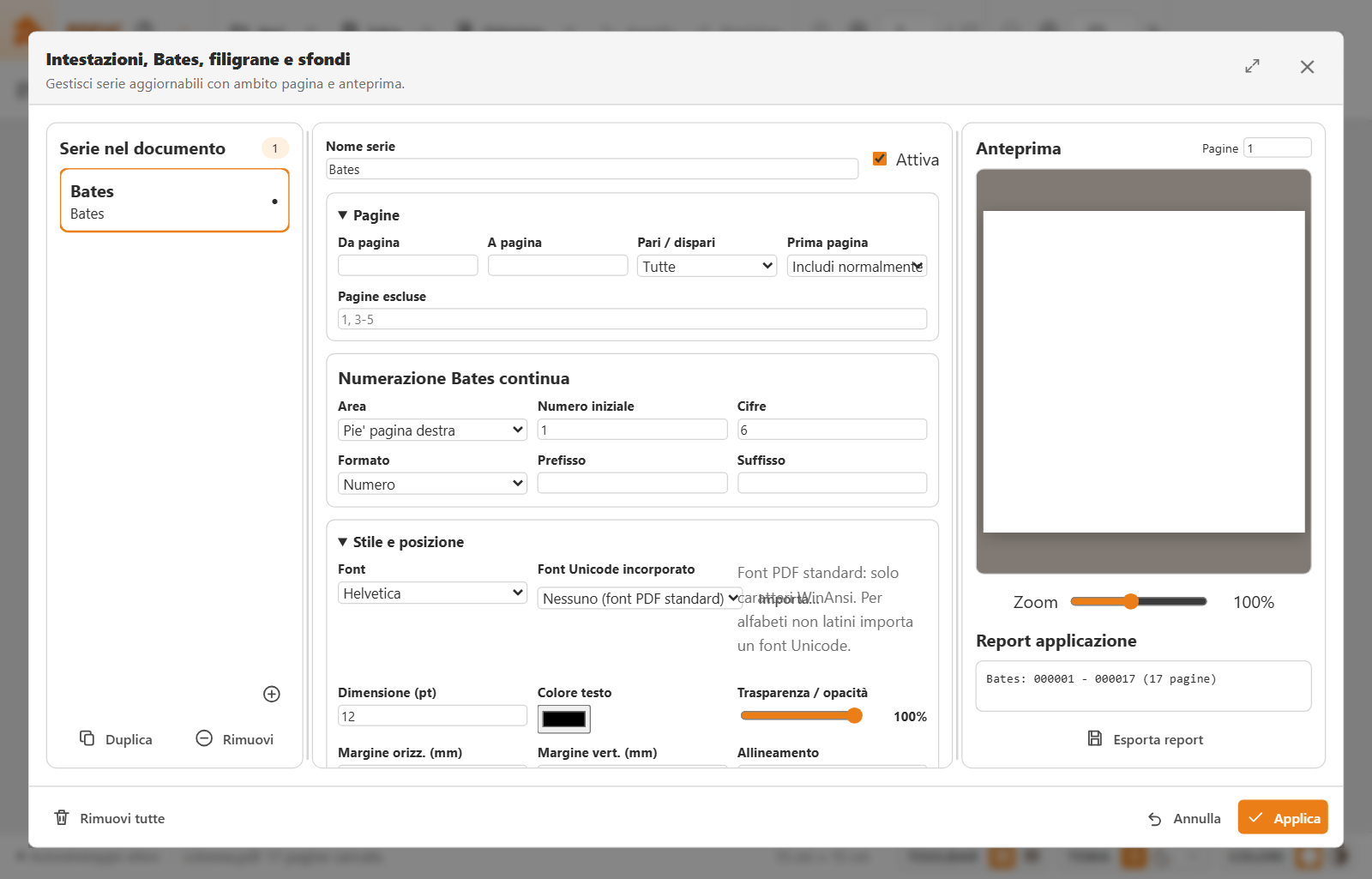
Inspect the cryptographic validity of signatures on contracts and official deeds. PDF-VC verifies CA certificates, RFC 3161 timestamps, and document alteration history.
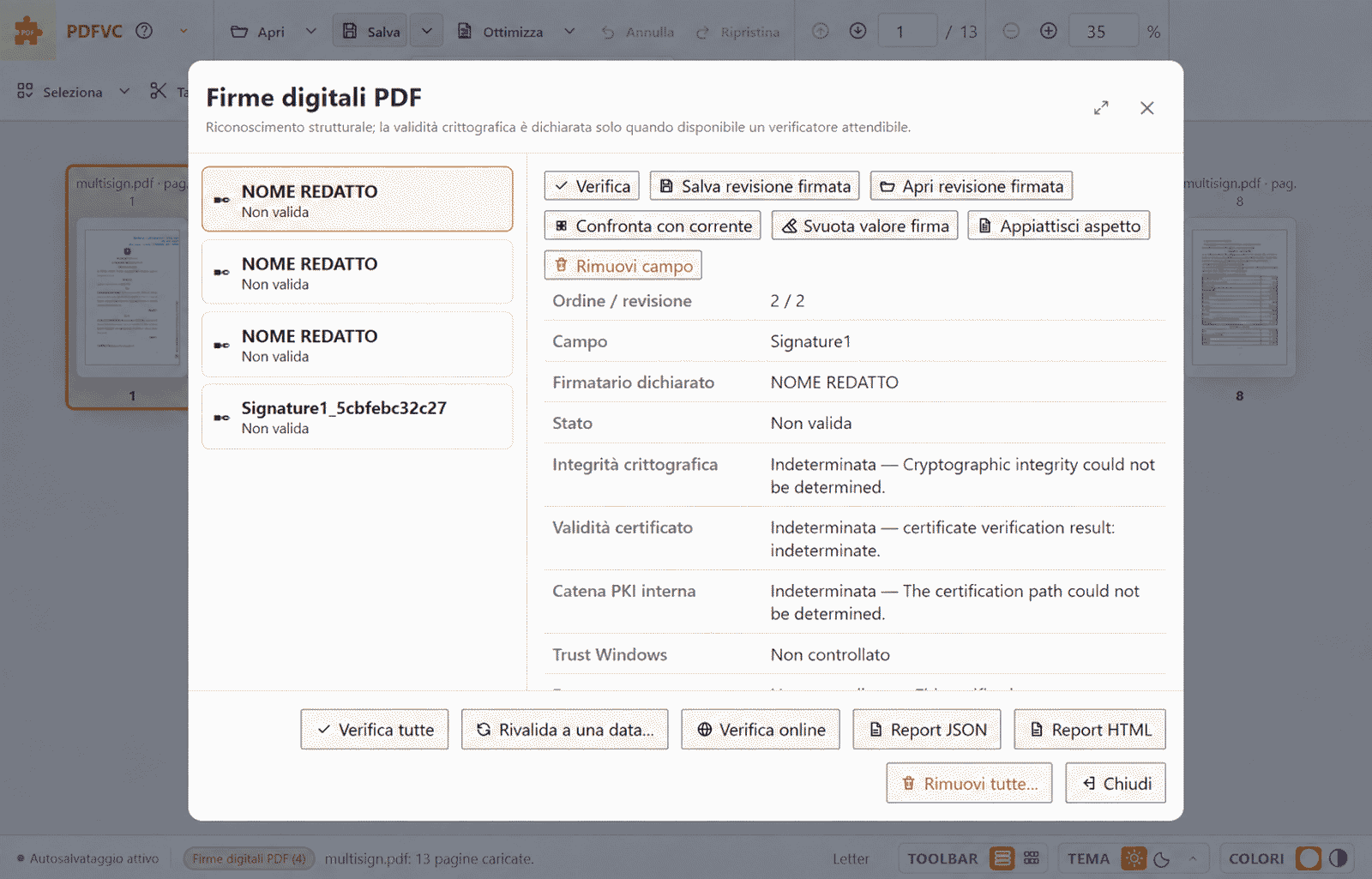
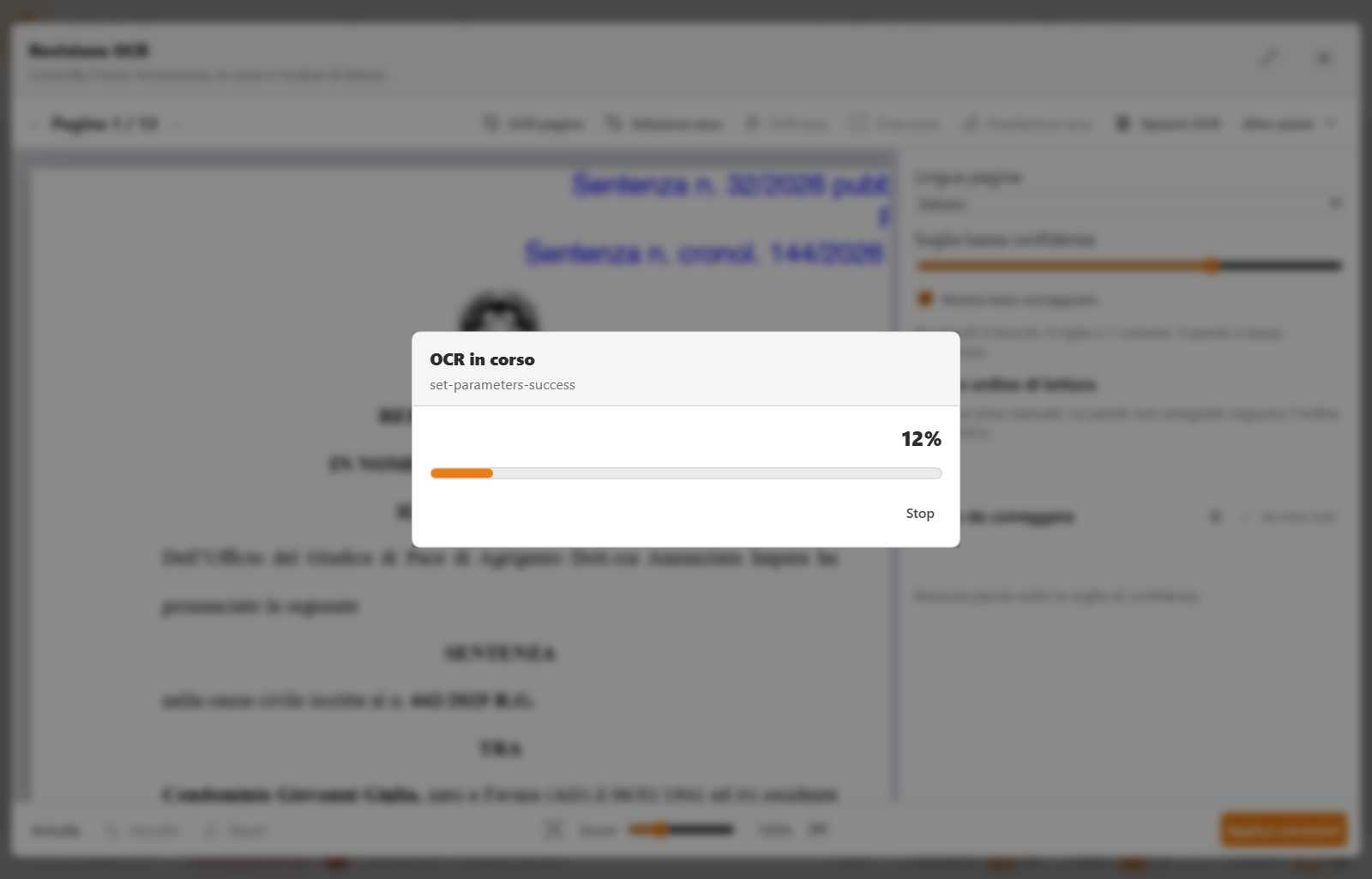
Turn paper scans and photos into searchable, selectable PDFs without sending any data to the cloud. Complete with optical pre-processing and confidence review.
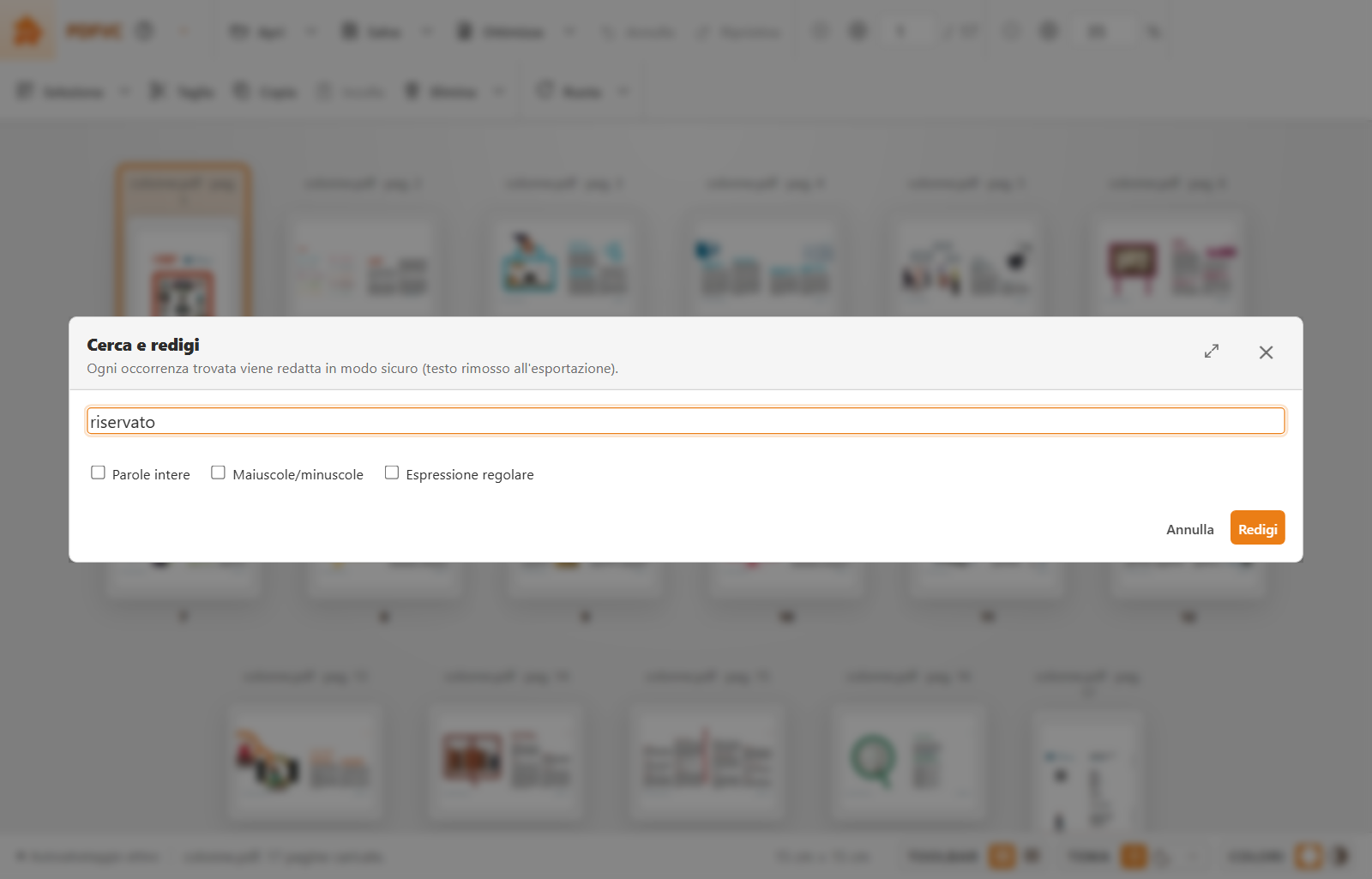
True forensic redaction physically eliminates underlying text, pixels, and vectors. Search for Tax IDs, IBANs, or credit cards using regex and scrub hidden metadata.
From commercial prepress quality checks to interactive forms authoring and version diffing.
Comprehensive technical walkthroughs to get the most out of every capability on your Windows PC.
Learn how to organize, drag-and-drop reorder, rotate, merge, split, and edit vector text and images without uploading files to the cloud.
Optical pre-processing techniques, offline character recognition, and interactive confidence proofreading for scanned documents.
How to configure progressive sequences, custom prefixes, dynamic date/page tokens, and handle automatic recalculation upon page changes.
Visual masking vs true irreversible forensic redaction: secure PII removal, regular expression patterns, and XMP metadata sanitization.
Cryptographic CA trust chain inspection, RFC 3161 timestamps, and signature protection shields during document manipulation.
Compliance standards for PDF/A (1b/2b/3b), CMYK plate separation, overprint simulation, and total ink limit (TAC/TIC) verification.
Clear answers to common questions about features, privacy, licensing, and system compatibility.
PDF-VC (PDF Visual Composer) is a comprehensive desktop suite for Windows (10 & 11) engineered for visual composition, page reordering, vector editing, and advanced document analysis. It bundles professional tools for page imposition, offline OCR, legal Bates numbering, PAdES cryptographic signature diagnostics, GDPR-compliant permanent redaction, and CMYK prepress.
Yes, PDF-VC is a standalone desktop application that operates 100% offline. All page rendering, vector editing, OCR recognition, stamping, and cryptographic signature verifications are processed entirely on your local CPU/GPU without requiring an internet connection.
No. PDF-VC enforces a strict Zero Cloud privacy policy. No documents, page contents, or metadata are ever transmitted to external servers or cloud services. All data remains exclusively within your local computer's memory.
Yes. PDF-VC includes a built-in multilingual OCR engine (with bundled dictionaries for English, Italian, German, French, and Spanish) that converts scans and images into searchable text locally, complemented by an interactive review tool to proofread uncertain words.
Yes. The built-in Stamper engine allows you to define sequential and persistent Bates numbering sequences with custom prefixes, zero padding, suffixes, and dynamic tokens ({page}, {pages}, {date}). Sequences recalculate automatically whenever pages are inserted or removed.
PDF-VC examines the cryptographic structure of the PDF file to verify CA certificate trust chains, RFC 3161 timestamps, and byte-level document integrity, distinguishing between permissible form annotations and invalidating post-signing alterations.
Yes. Unlike simple black overlay boxes, PDF-VC's forensic redaction physically eliminates underlying text vectors, font glyphs, and pixel bitmaps irreversibly. It also provides regex pattern search (Tax IDs, IBANs, credit cards) and full XMP metadata sanitization.
Yes, PDF-VC supports long-term archiving profiles including PDF/A-1b, PDF/A-2b, and PDF/A-3b, allowing you to prepare compliant documents for institutional, legal, and governmental archives.
PDF-VC is certified for all 64-bit editions of Windows 10 and Windows 11. It installs as a native Windows package with automatic updates delivered securely via the Microsoft Store.
The full official version is available on the Microsoft Store by searching for 'PDF-VC'. A lightweight demo web version is also accessible at agap.it/pdfvc/.
The complete application is officially available on the Microsoft Store for Windows. A lightweight trial web version is also available.
Available on Microsoft Store • Windows 10 & 11 (64-bit)
Lightweight in-browser version (Limited capabilities)
Commercial, corporate, law firm, or professional deployment of PDF-VC is governed by the B2B Software License Agreement.